From making a loan payment to depositing a check, the Minnesota First mobile app puts helpful banking tools within easy reach.
Account Management
Keep track of all of your accounts.
Balances, transactions, and important account information are easy to find. Select an account to review its activity, statements, details, and available options.
Mobile banking made easy
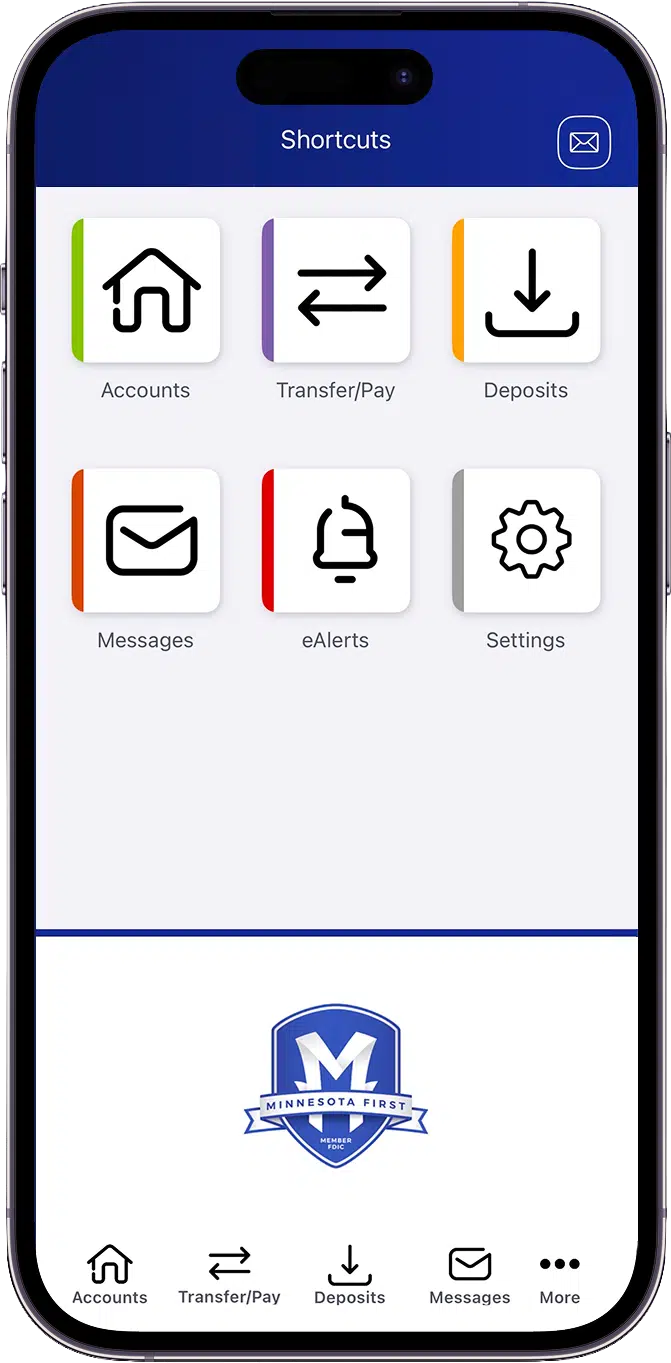
Find your banking tools in one place.
Your most-used banking tools are gathered on one convenient screen. Choose a shortcut to access accounts, transfers, deposits, messages, alerts, or settings.
Mobile check deposit
Deposit checks from anywhere.
Deposit eligible checks without making a trip to a branch. Simply enter the amount, select an account, photograph both sides, and submit your deposit.
Account Transfers
Transfer money between accounts.
Move funds between your accounts when it works for you. Choose the accounts, amount, transfer date, and frequency before submitting the transfer.
Person-to-person payments
Send money to people you know.
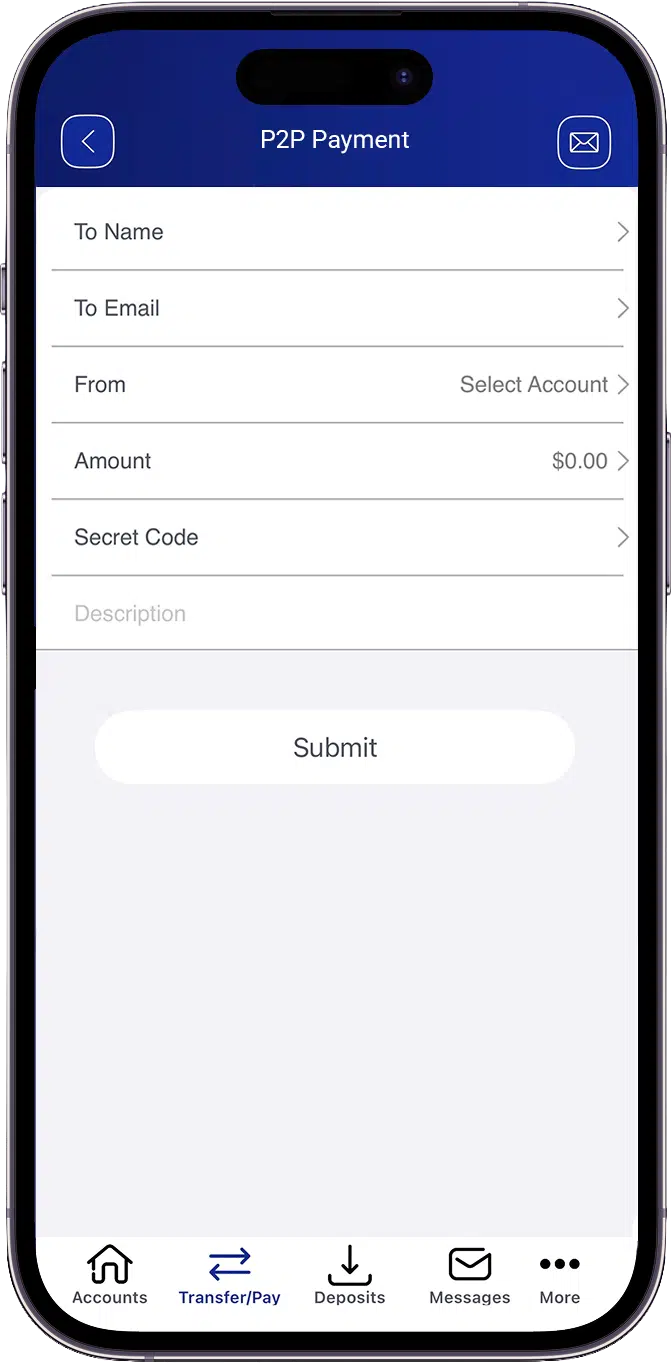
Make person-to-person payments directly from the mobile app. Enter the recipient and payment information, add a secret code, and submit the payment.
Mobile Banking FAQs
Is it possible to use the Minnesota First app to check my account balance?
Definitely! You can check your balances from your phone at any time and from any location.
Can I use the app to deposit a check?
Indeed! You can deposit eligible checks via mobile check deposit without having to go to a branch location.
In order to make payments, how can I add an external account?
First, select Transfer/Pay from the online portal. Next, select Add Account and input the details of your external bank.
Can I only use the online portal to create an external account?
Yes, only external accounts can be added through the website portal.
Can I use the app to make payments on my Minnesota First loan?
Yes! Select Transfer/Pay on the app. Next, select Transfer. Then, complete the selected questions and click Submit.
Is the Minnesota First app accessible around-the-clock?
Yes it is! Even beyond regular business hours, you can access your finances whenever you need them.
Do I still have to go to a Minnesota First location?
We want to see you! However, the app allows you to handle a lot of daily banking requirements from any location.
Is it possible to set up alerts for notifications?
Indeed! Go to Messages and eAlerts. Select Alerts to generate a new alert. Select the alert you wish to be sent to your phone via notification from the lists of options available.
Get in touch!
Need help or have questions?
Our local team is standing by to assist. Send us a message to get in touch.
You are about to visit an external website not operated by Minnesota First. Please note that external sites may have different privacy policies and security standards.